
Pen2Figma
Import pen.dev designs into Figma with auto layout, components, variables and themes intact.
Download plugin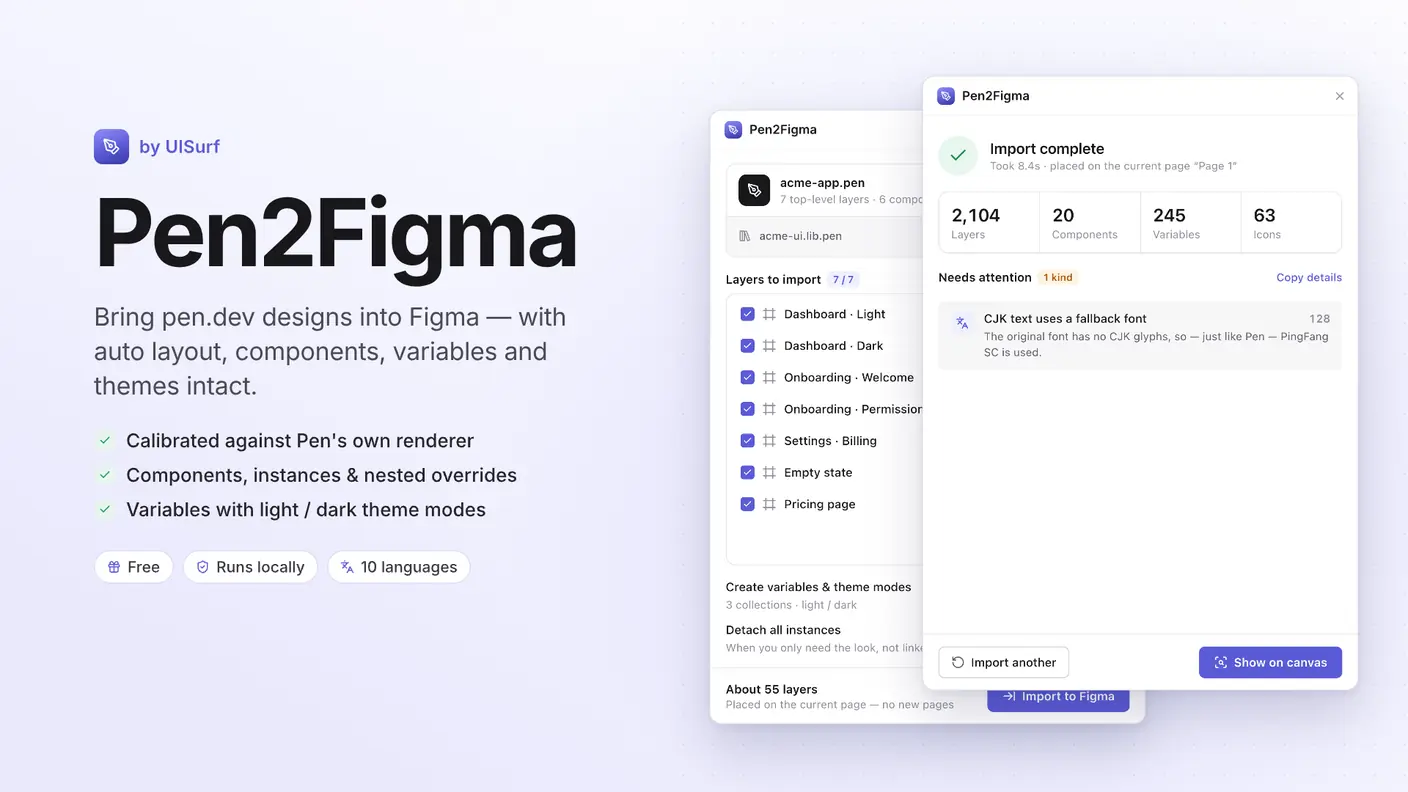
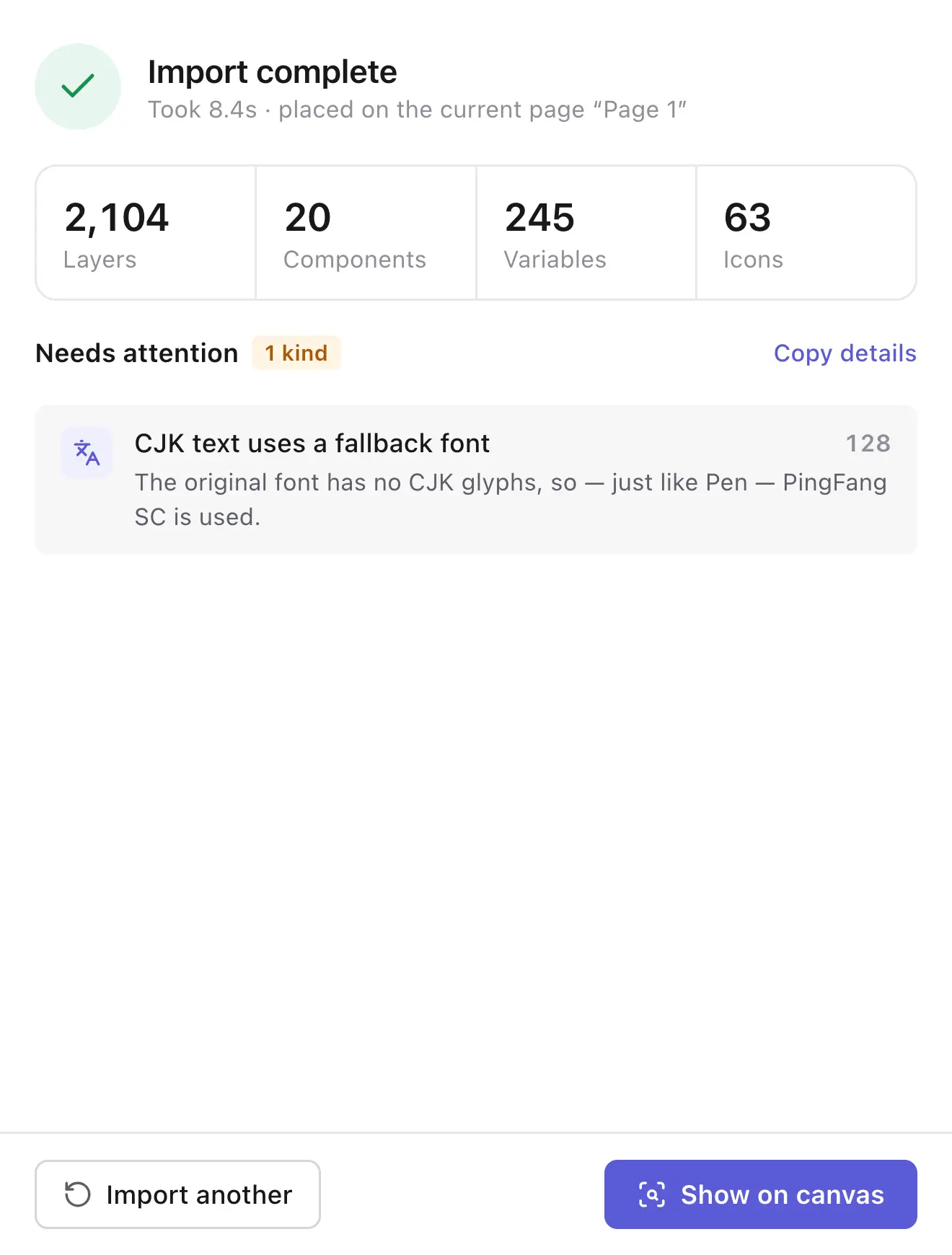
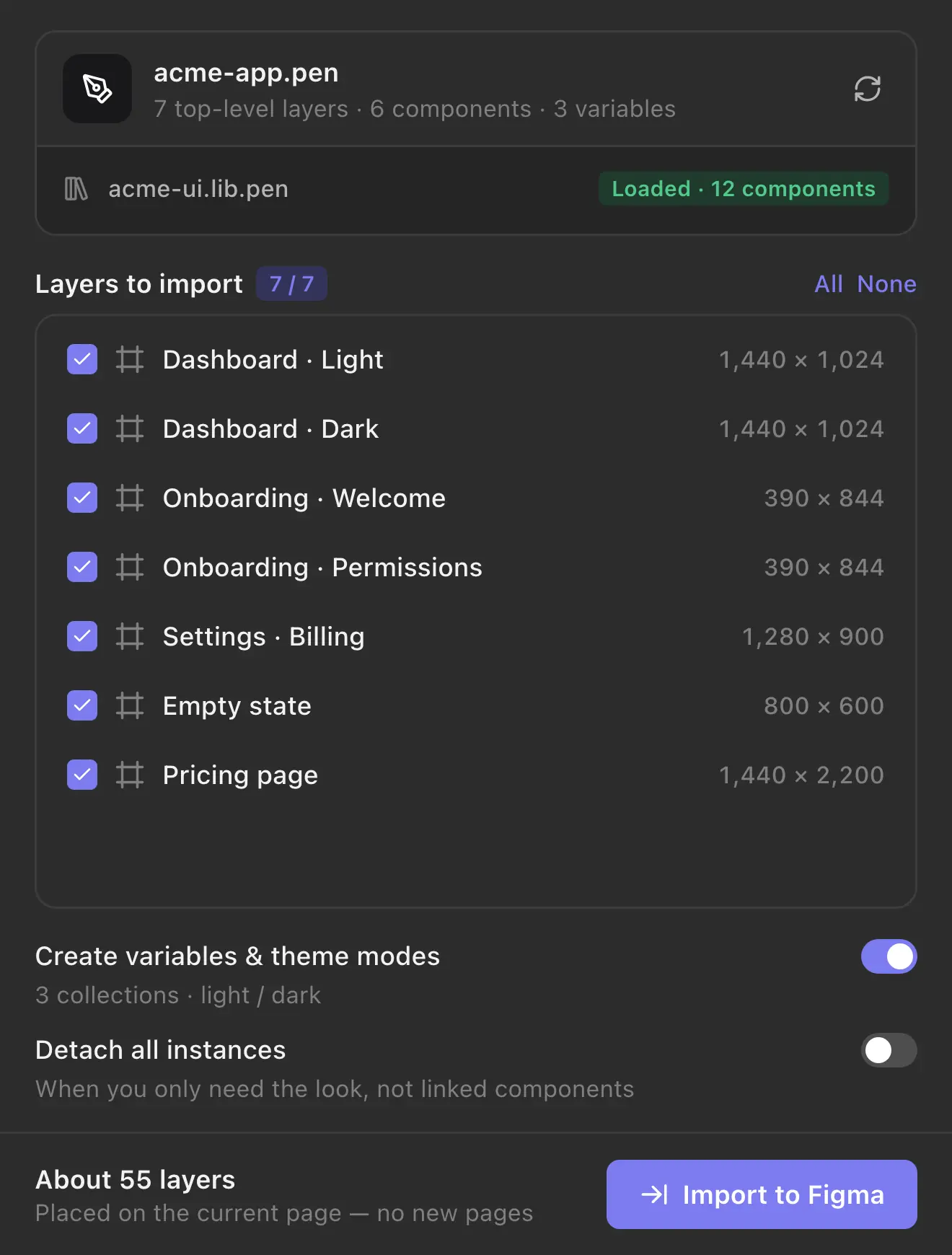
Pen2Figma converts .pen files into native, editable Figma layers. It was calibrated against Pen’s own renderer, so error-prone details — stroke alignment, polygon geometry, gradient angles, arc directions, theme resolution, letter spacing — are all handled based on Pen’s actual rendering results. Free, with no account and no limits.
Features
- Auto layout
- Direction, gap, padding, alignment, hug, fill and fixed sizing, and absolute children.
- Components & instances
- Reusable Pen components become Figma components; instances keep their overrides, including nested ones, and icon changes become instance swaps.
- Variables & theme modes
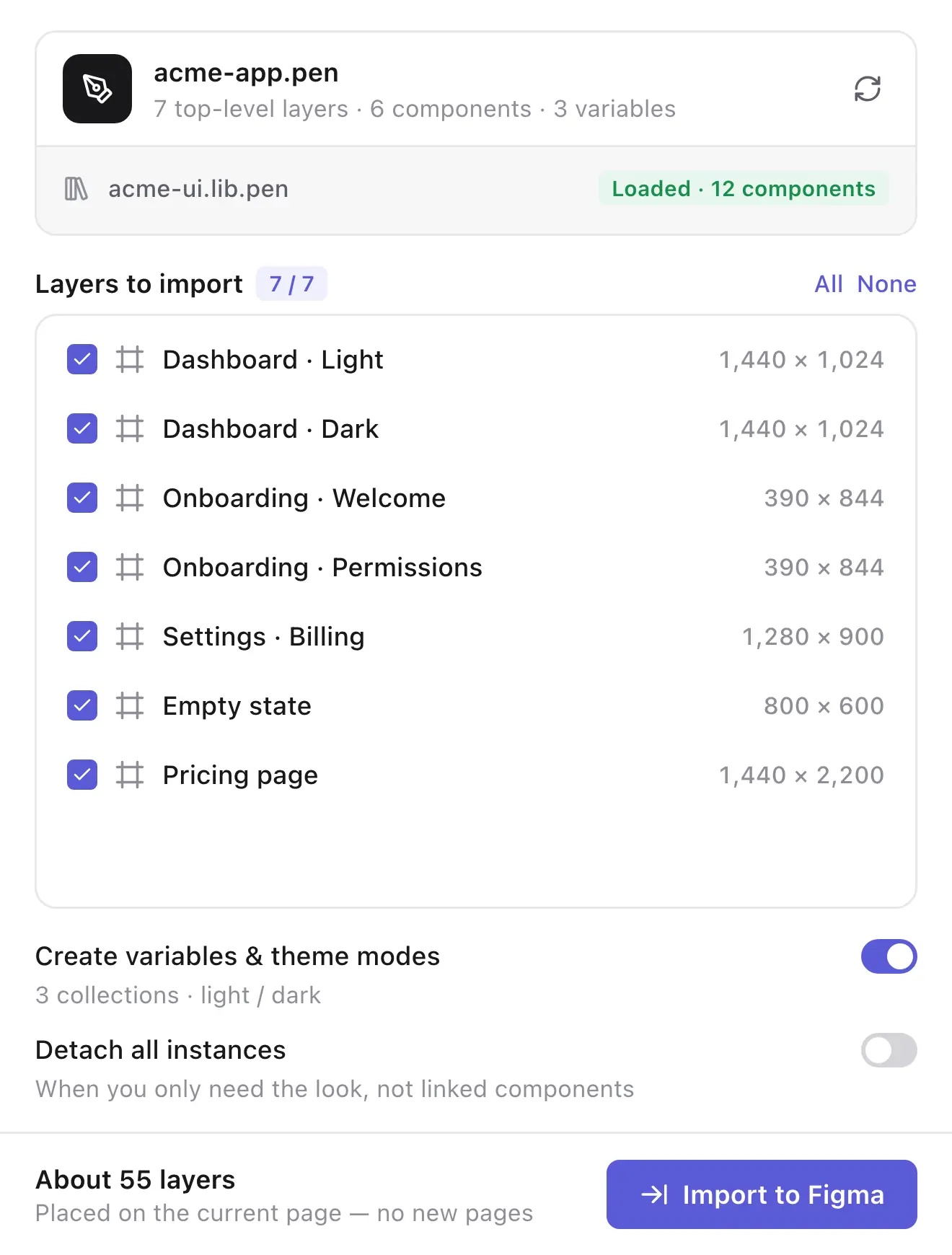
- Every theme axis (light, dark and so on) becomes a variable collection with modes; aliases are preserved and frames keep their theme.
- Libraries
- Drop in the library .pen files your design uses and they are linked automatically.
- Styling
- Solid fills, linear, radial and angular gradients, image fills, per-side strokes, shadows and blurs, rounded corners, arcs and vectors.
- Text
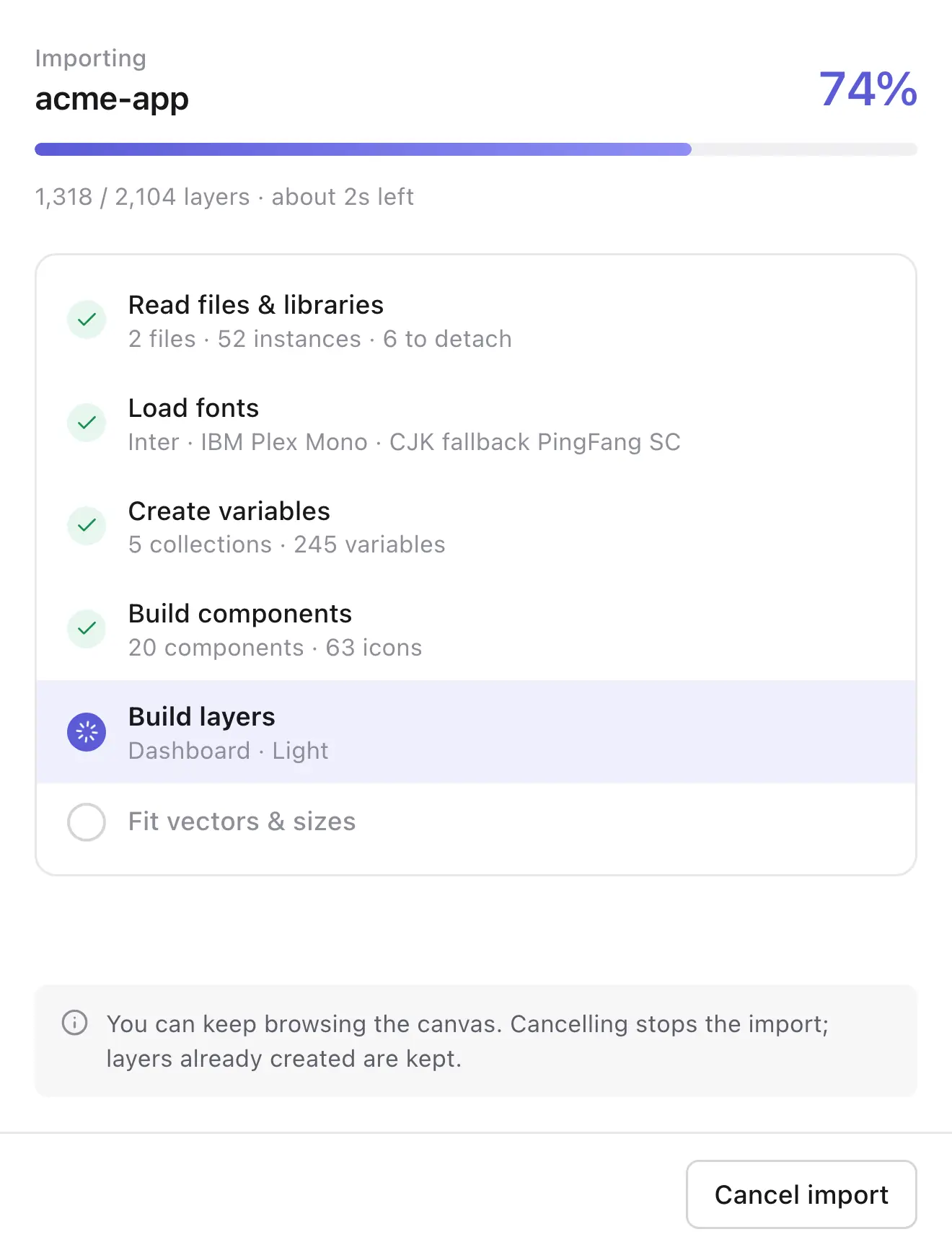
- Fonts and weights are matched to what’s installed; CJK text falls back to PingFang SC or Noto Sans SC, just like Pen.
- Icons
- lucide, Material Symbols, phosphor and feather, using the same icon versions Pen bundles.
Install
Pen2Figma isn’t on Figma Community yet, so it has to be imported by hand, and that only works in the Figma desktop app.
- Download the archive above and unzip it.
- In the Figma desktop app, open the menu and choose Plugins → Development → Import plugin from manifest…
- Select the unzipped
manifest.json. Pen2Figma then appears under Plugins → Development.
How to use
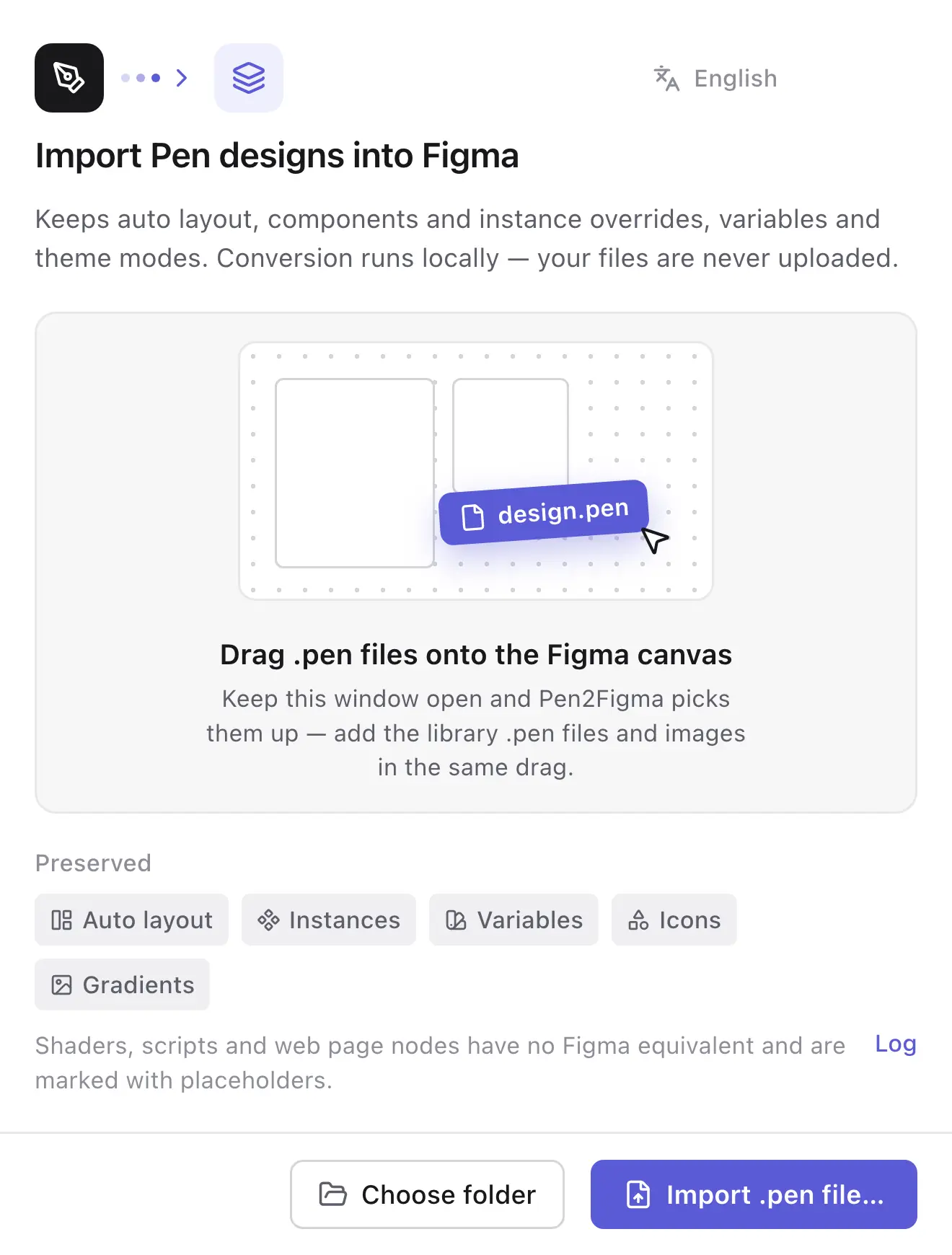
- Run Pen2Figma and drag a
.penfile (plus any library.penfiles and images it uses) onto the Figma canvas, or choose files in the plugin. - Pick the frames to import and start the import.
- Everything lands on the current page, and a summary lists anything that needs attention.
Privacy
Conversion runs entirely inside the plugin and your files are never uploaded. The only network requests fetch icons and images your design references.
Known limitations
Shaders, mesh gradients, script nodes and web page nodes have no Figma equivalent and are imported as clearly marked placeholders. On Figma plans that allow only one mode per collection, other themes receive fixed values.
Pen2Figma is an independent tool by UISurf and is not affiliated with or endorsed by pen.dev or Figma.
Release notes
- First public release.
- Auto layout, components and instances with nested overrides, variables with theme modes, libraries, gradients, images, effects and icons.
- CJK font fallback, 10 interface languages, and a light and dark UI that follows Figma.